
Pika AI Video Generator
Pika AI Video Generator turns short text or images into mobile-optimized video clips with cinematic and stylized looks. Generate polished mobile-ready videos quickly with intuitive controls and export-ready quality.
Feedback
All Tools
Browse AI tools.
MiniMax H3
MiniMax H3 AI Video Generator
Seedance 2.5
The Future of AI Video Is Here.

Seedance 2.0
The Future of AI Video Is Here.

Veo3.1
Create Stunning Videos with Veo3.1
FLUX 3 Video Generator

Kling 3.0
Next-Gen AI Video Generator
Grok Video Generator
Create Videos from Text or Images with AI
MiniMax H3 video generator
MiniMax H3 AI Video Generator
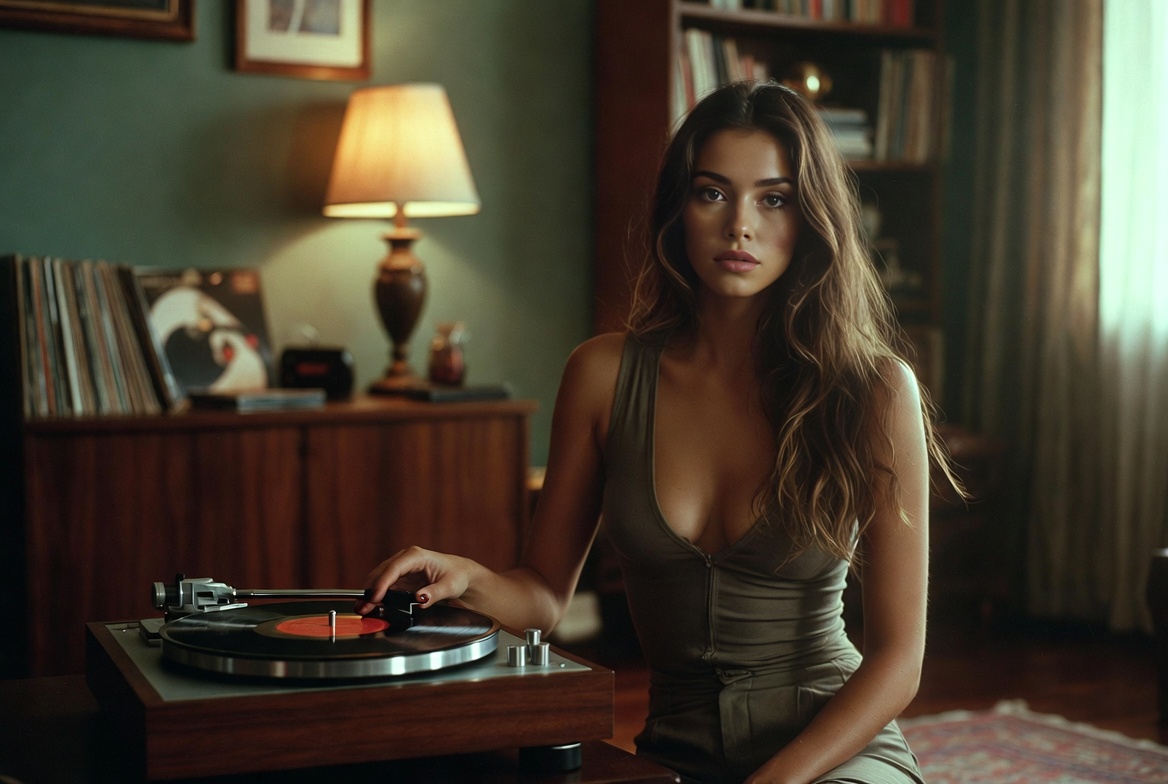
Pika AI Video Generator
Pika AI Video Generator specializes in turning short text prompts or images into stylized videos. The tool supports both text-to-video and image-to-video workflows, offers creative 'Pikaffects' for object-level manipulation, and includes style presets for cinematic, animated, and playful results.
- Text & Image InputUse short text prompts or upload images to generate video sequences with Pika AI Video Generator.
- PikaffectsApply object-level effects like inflate, melt, explode, and stylized transformations to shape video output.
- Multiple StylesChoose cinematic, animated, or playful styles and tune presets for consistent short-form results.
How to Use Pika AI Video Generator
Follow three clear steps: choose the Pika AI model, add a prompt or image, then generate and export your clip.
Pika AI Video Generator Features
Pika AI Video Generator provides text-to-video and image-to-video pipelines, object-level Pikaffects, and style presets for quick mobile outputs.
Text & Image Conversion
Convert concise prompts or images into short video clips using Pika AI Video Generator's models.
Creative Pikaffects
Manipulate objects with effects like inflate, melt, explode, and stylized transforms to create unique visuals.
Style Presets
Pick cinematic, animated, or playful presets to shape tone and motion consistently across clips.
Fast Iteration
Quick previews and render cycles let creators iterate rapidly on short-form content.
Mobile-Ready Outputs
Export formats and aspect ratios tuned for vertical and horizontal mobile platforms.
Consistent Results
Maintain visual consistency when using reference images or repeated prompts with Pika AI Video Generator.
Frequently Asked Questions
Answers about Pika AI Video Generator's capabilities, outputs, and workflows.
What is Pika AI Video Generator?
An AI-powered tool that converts short text prompts or images into stylized video clips using Pika's models and effects.
How do I access it?
Access options and usage policies are provided on the hosting platform; check account and plan details for availability.
How long does generation take?
Short mobile clips typically render in a few minutes depending on model, settings, and queue length.
What output quality is supported?
Common mobile resolutions such as 720p and 1080p are supported; choose quality based on model and preset.
Can I use generated videos commercially?
Review the platform's licensing and terms to confirm permitted commercial usage.
Why use Pika AI Video Generator?
It combines fast iteration, creative Pikaffects, and mobile-focused exports for short-form video creation.
Start with Pika AI Video Generator
Begin turning ideas into mobile-ready videos today with Pika AI Video Generator's streamlined workflow.