
LightX AI Image Generator
LightX AI Image Generator brings one-tap filters, style presets and batch edits to mobile — while Pollo AI opens a freer, model-rich workflow.
AI Tools
Explore AI tools

Free AI Image
Truly Free AI Image Generator

AI Image Editor
AI Photo Editor Online
Gpt Gif Generator

Image Upscaler
Enhance image resolution effortlessly

AI Color Changer
Transform photo colors in seconds
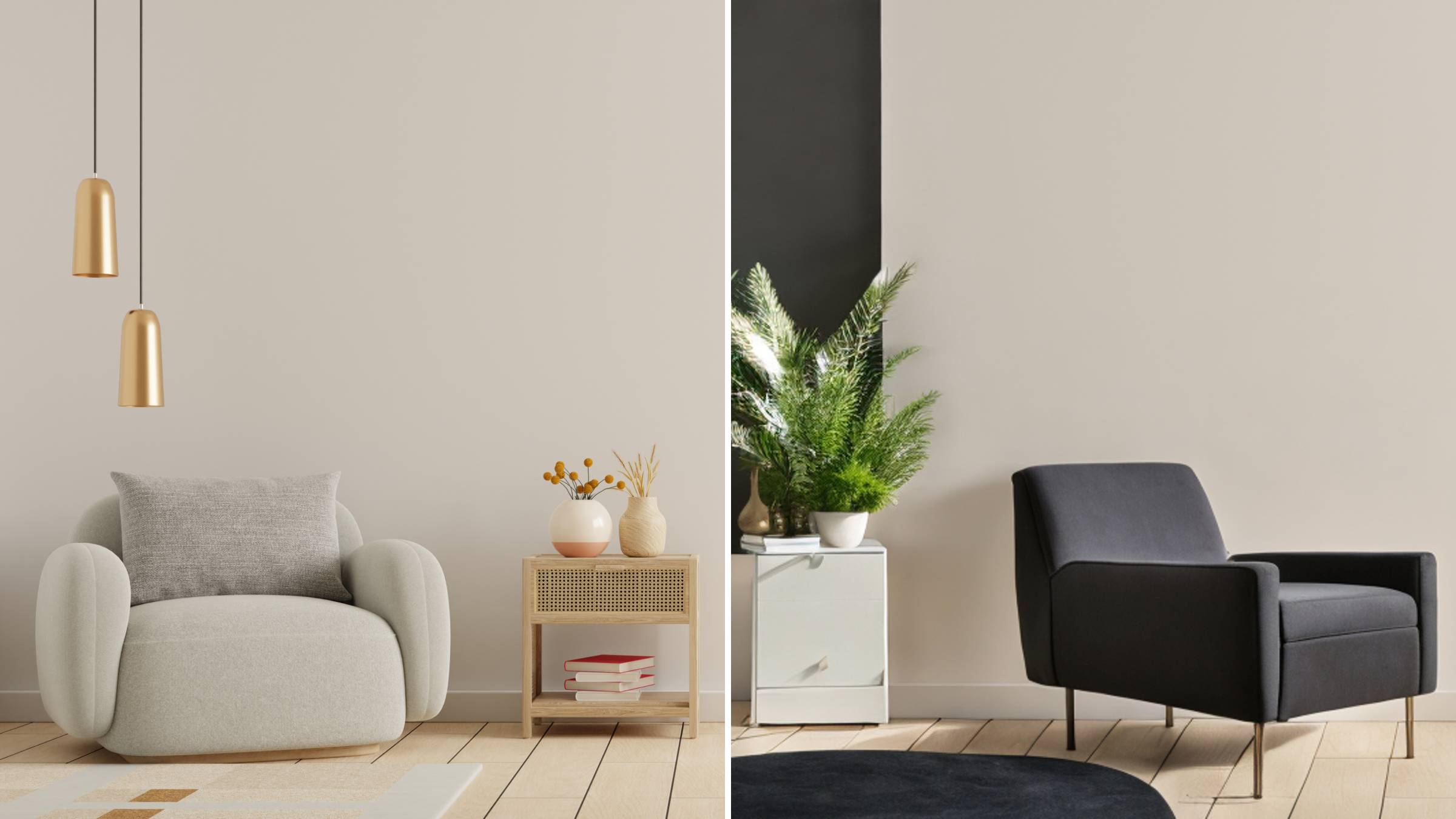
AI Room Designer
Design your dream room with AI-powered 3D rendering

Skin Enhancer
Enhance skin texture naturally with AI
Face Editor
Enhance face texture naturally with AI

Where LightX Shines — and How Pollo AI Pushes Further
A speed-focused mobile toolkit pairing one-tap tools, custom presets and batch processing — plus a more flexible workflow waiting on Pollo AI.
- Prompts, Photos or Sketches as InputFeed in written text, an uploaded reference picture or hand-drawn sketch art, so even an offbeat concept lands without heavy prompt engineering.
- Reference-Photo Style GuidanceAttach a photo and pick exactly what to borrow — subject pose, silhouette, outline or visual depth — instead of writing long descriptive prompts.
- Batch Edits for up to 50 ImagesQueue as many as 50 images in a single upload to crop or resize them — ideal for marketers and brands shipping campaign visuals at scale.
How the LightX AI Image Generator Works in 3 Steps
Pick your input, lock the reference, then polish everything inside the built-in editor.
LightX AI Image Generator — Your Questions Answered
Clear answers on inputs, batch limits, editing, art styles and how LightX stacks up against Pollo AI.
What kinds of input can I give LightX?
A text prompt, an uploaded reference image or hand-drawn sketch art — describe it, show it or draw it.
What is the batch-edit limit in LightX?
You can process up to 50 images per batch for cropping and resizing, which is handy for campaign visuals.
What can the LightX AI photo editor fix?
Backgrounds, resolution, watermarks, faded photos and colour balance, all from a prompt or a single click.
Which art styles and filters can I use?
Realistic, anime, pixel art and 3D presets, along with Ghibli and Pixar-style filters.
Can I turn a photo into an AI avatar?
Yes — upload a photo of anyone and receive a lifelike avatar made for social and gaming.
How does LightX compare with Pollo AI?
LightX leans on quick mobile editing, while Pollo AI adds use-case generators and faster variation tests.
Create Your Next Standout Visual on Pollo AI
Millions of marketers and creators already make images here — give it a try at no cost.