Feedback
ChatGPT Image 2.6
ChatGPT Image 2.6 turns plain prompts into polished stills or seamless GIF loops, with 50% quicker turnaround and faces that stay on-model.
AI Tools
Explore AI tools

Free AI Image
Truly Free AI Image Generator

AI Image Editor
AI Photo Editor Online

Image Upscaler
Enhance image resolution effortlessly

AI Color Changer
Transform photo colors in seconds
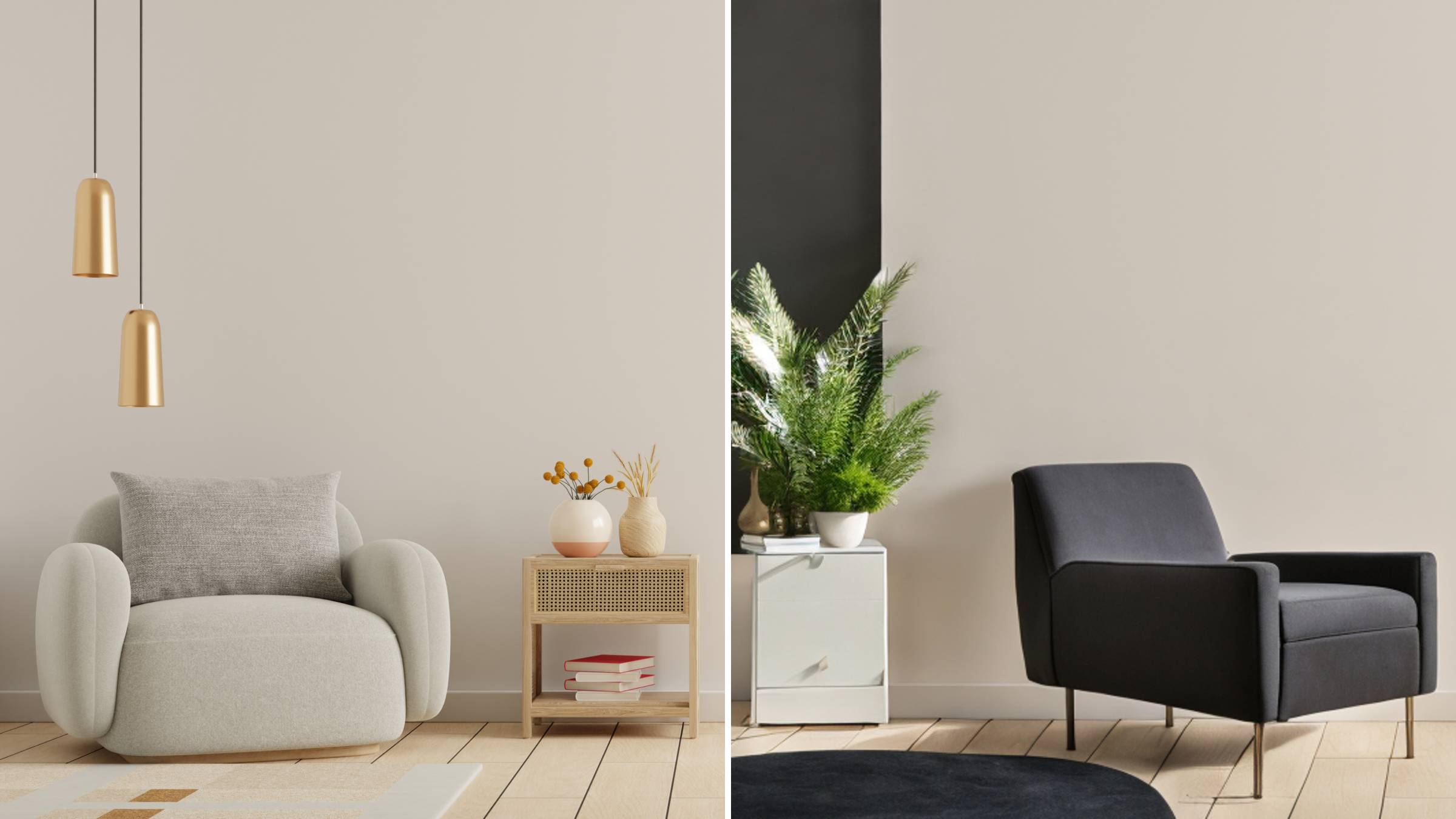
AI Room Designer
Design your dream room with AI-powered 3D rendering

Skin Enhancer
Enhance skin texture naturally with AI
Face Editor
Enhance face texture naturally with AI
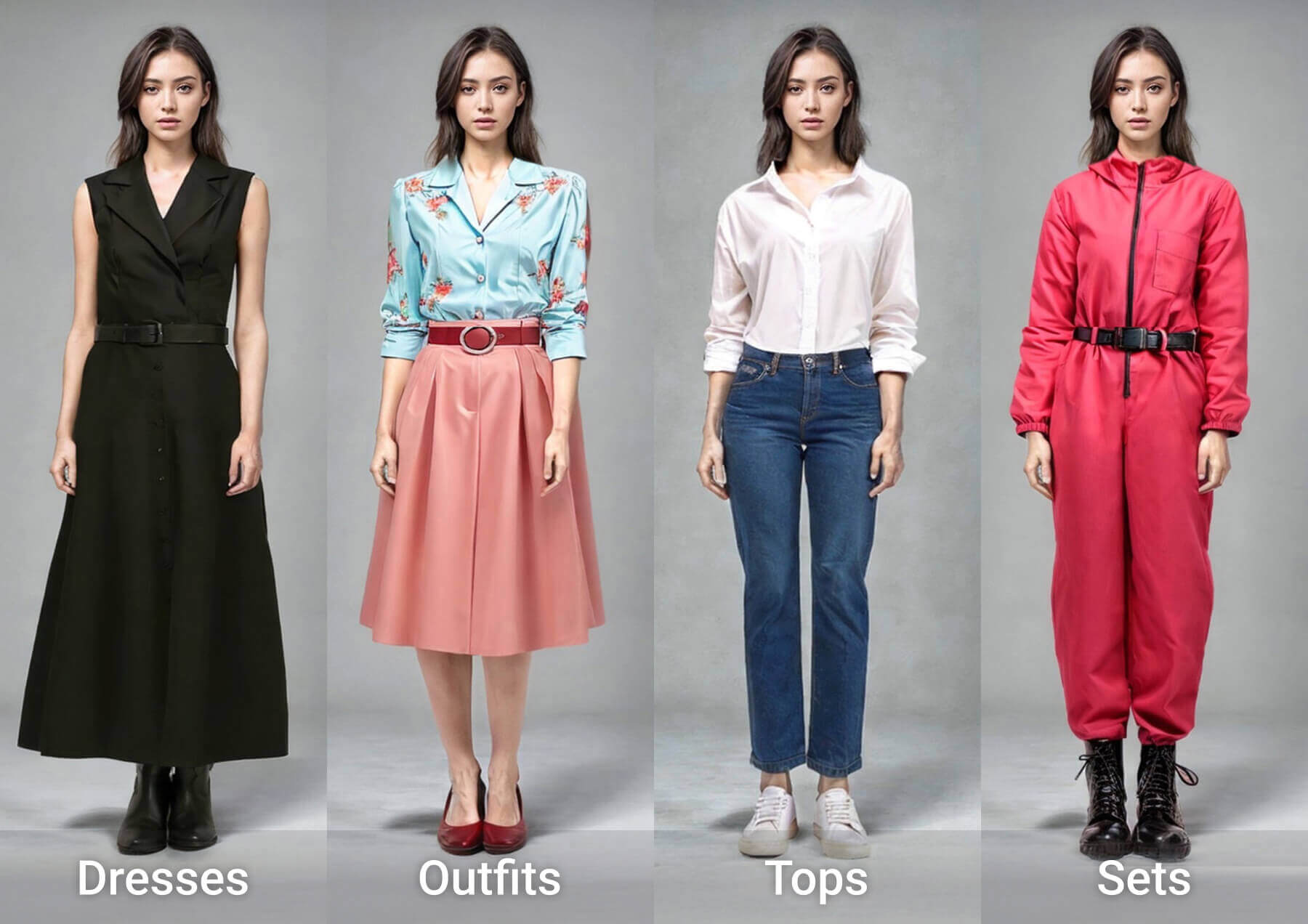
AI Clothes Changer
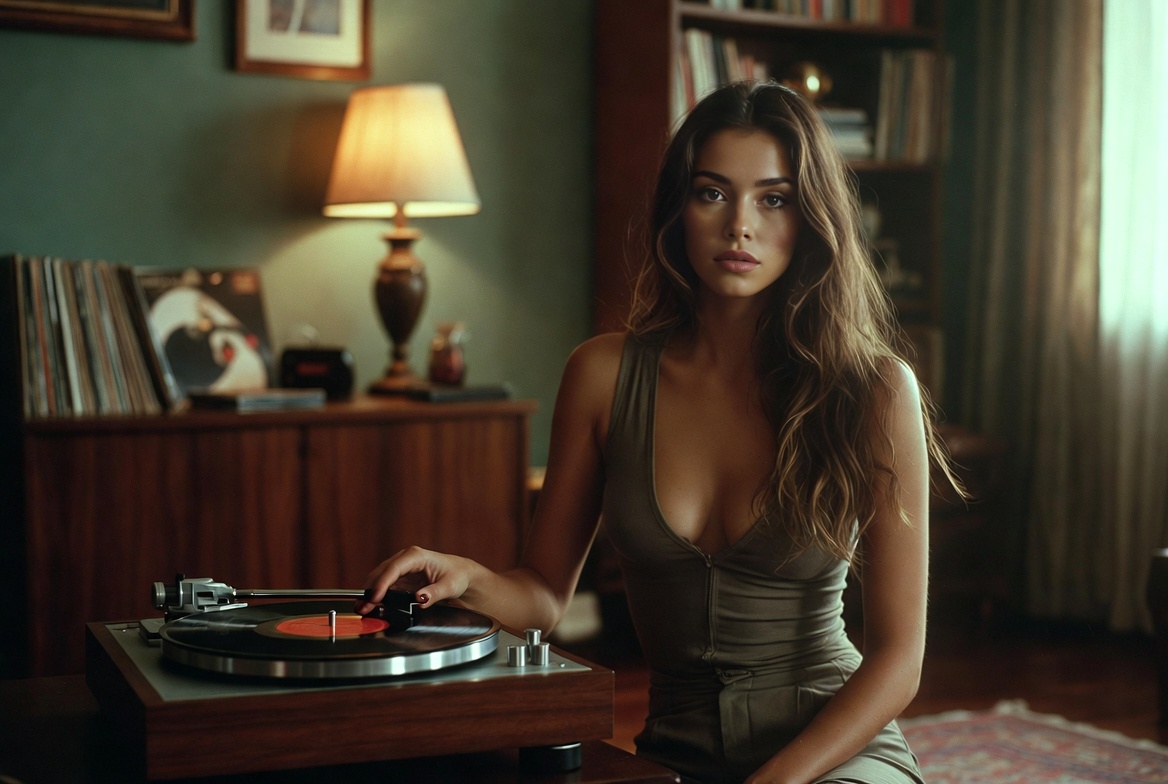
Inside ChatGPT Image 2.6: Speed, Consistency, Motion
Built for creators who iterate: ChatGPT Image 2.6 halves render waits, locks your cast and product shots in place over repeated passes, and now ships motion-ready GIF files from the same prompt.
- Half the Wait, Same FidelityExpect roughly half the turnaround of earlier releases — and through the API, Flare can hand back a low-quality draft in around six seconds.
- Your Cast Stays RecognizableFaces, packaging, and brand cues survive round after round of revision; switch to Sunburst at medium or high quality for the tightest match.
- Stills That Start MovingSet a mascot in motion, cut reaction loops for social, or spin one product photo into a repeating clip — a rough sketch is enough to begin.
Getting Started with ChatGPT Image 2.6
From picking a variant to writing sprite-sheet prompts and fine-tuning details — three quick moves and your render is ready.
ChatGPT Image 2.6: Common Questions
Straight answers on model options, render times, brand consistency, GIF export, availability, and the controls you can adjust.
Which variants can developers call?
There are two — Flare and Sunburst. Reach for Flare when speed leads, Sunburst when pixel fidelity and repeatability lead.
What kind of render times should I expect?
On the low quality setting, Flare returns a finished picture in about six seconds; the whole lineup runs roughly 50% quicker than the earlier release.
Will my characters look the same after several edits?
Yes — recurring faces, packaging, and brand marks remain recognizable across repeated passes, and Sunburst holds them even tighter at medium or high quality.
Does it handle animated GIF export?
It does. Turn a mascot, a reaction, or a single product photo into a repeating clip without ever leaving the same workspace.
Where is it available and on which plans?
It runs worldwide in ChatGPT and Codex across every subscription tier — desktop, mobile, and web — and developers can also call it through the API.
What are the complexity setting and image markup for?
Complexity controls how much planning the model invests — keep it low for quick touch-ups, raise it for busy scenes — while markup pinpoints the exact region to change.
Put ChatGPT Image 2.6 to Work
Kick off a quick retouch or a looping animation right here, then review API pricing and the system card before you scale up.