
AI Design Tool – create graphics fast
AI Design Tool helps you create logos, posts, ads, and brand visuals in minutes.
Feedback

freeTrialImage.bannerPity
freeTrialImage.upgradeUnlock
- ✓freeTrialImage.benefitHd
- ✓freeTrialImage.benefitWatermark
- ✓freeTrialImage.benefitUnlimited
AI Tools
Explore AI tools
MiniMax H3
MiniMax H3 AI Video Generator
Seedance 2.5
The Future of AI Video Is Here.

Seedance 2.0
The Future of AI Video Is Here.

Veo3.1
Create Stunning Videos with Veo3.1
FLUX 3 Video Generator

Kling 3.0
Next-Gen AI Video Generator
Grok Video Generator
Create Videos from Text or Images with AI
MiniMax H3 video generator
MiniMax H3 AI Video Generator
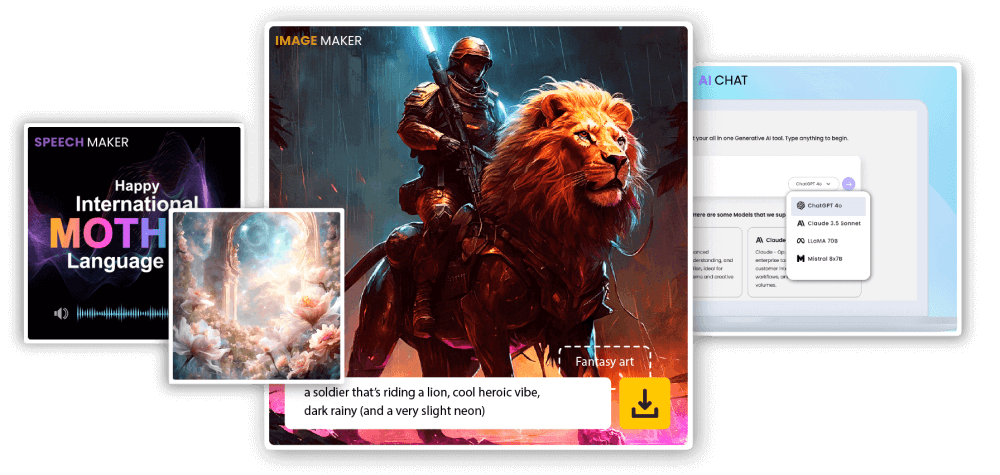
Why use AI Design Tool
AI Design Tool turns a short brief into ready-to-use visuals for web and social.
- Smart LayoutCreates clean, balanced designs.
- Fast DraftsGenerate options quickly.
- Brand-ReadyExport designs you can use.
AI Design Tool benefits
Create on-brand visuals faster with fewer steps.
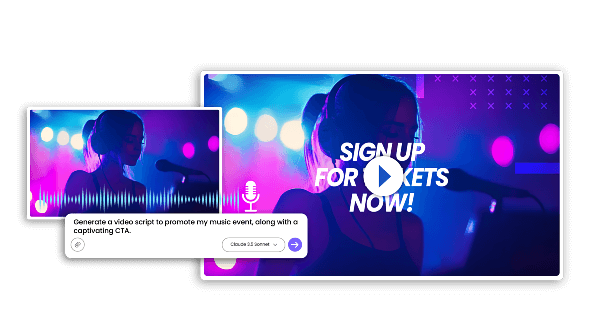
How to use AI Design Tool
3 quick steps on mobile.
AI Design Tool features
Templates, quick edits, and fast exports.
Smart Templates
Start fast with layouts.
Easy Edits
Change text and colors.
Design AI
Understands your brief.
Fast Results
Generate options quickly.
Consistent Style
Keep a unified look.
Multi-Use
Reuse designs across sizes.
AI Design Tool FAQs
Quick answers about AI Design Tool.
What is an AI Design Tool?
An AI Design Tool helps you create design assets from a short prompt.
What can I make?
Logos, social posts, banners, and brand visuals.
How fast is it?
Most results generate in minutes.
Can I download designs?
Yes—download after generation.
Can I use designs commercially?
Commercial rights depend on your plan.
Why use AI Design Tool?
It saves time and keeps your designs consistent.
Create with AI Design Tool
Design faster with AI Design Tool. Start free.