
Feedback
freeTrialImage.bannerPity
freeTrialImage.upgradeUnlock
- ✓freeTrialImage.benefitHd
- ✓freeTrialImage.benefitWatermark
- ✓freeTrialImage.benefitUnlimited
AI Product Beautifier
Turn plain product shots into crisp, store-ready images. This AI Product Beautifier fixes lighting, sharpens detail, and cleans backgrounds in seconds.
AI Tools
Explore AI tools

Free AI Image
Truly Free AI Image Generator

AI Image Editor
AI Photo Editor Online
Gpt Gif Generator

Image Upscaler
Enhance image resolution effortlessly

AI Color Changer
Transform photo colors in seconds
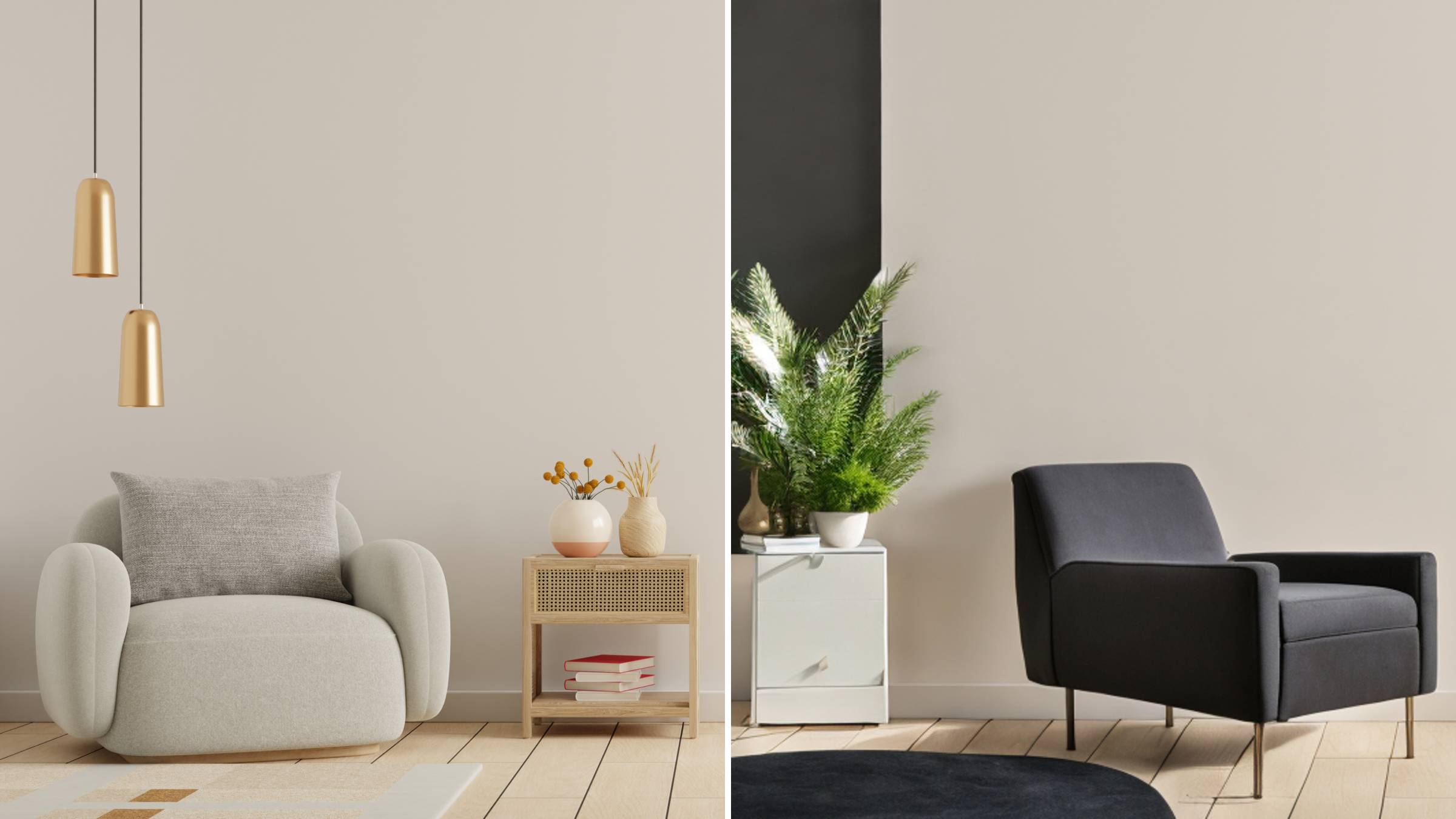
AI Room Designer
Design your dream room with AI-powered 3D rendering

Skin Enhancer
Enhance skin texture naturally with AI
Face Editor
Enhance face texture naturally with AI

What the AI Product Beautifier Does for Your Product Photos
Flat, badly lit photos can make premium goods look cheap. One automated pass rebalances light, color, and clarity — with no design skills needed.
- Even Light and Faithful ColorHarsh shadows, blown highlights, and patchy tones get smoothed out, so the colors stay believable on any storefront or social feed.
- Crisp Textures, Labels, and PackagingPrinted labels, fabric grain, and box artwork keep their edge, letting shoppers judge quality and compare variants with confidence.
- No Hand Retouching at AllA single automated pass covers listing, ad, and storefront images, so you never open an editing suite or touch a single slider.
How the AI Product Beautifier Works
Three short steps take an ordinary product photo to a polished, sales-ready visual.
AI Product Beautifier: Common Questions
Quick answers about using the AI Product Beautifier to clean up product photos in Pollo AI.
Can I beautify product photos for free?
Yes. You can run shots through a no-cost beautifying pass, then switch on upscaling later when a campaign needs larger files.
Do I need retouching skills or editing software?
Not at all. Upload a product shot, describe your goal, and the AI takes care of lighting, color, detail, and background for you.
Will a whole product line look consistent?
Give an entire range the same finish: grid thumbnails, banner crops, and feed posts match one another while each item keeps its own character.
Can it rescue old or low-quality supplier images?
Turn on enhancement for older vendor shots; better exposure and crisper surfaces help shoppers judge color, material, and packaging at a glance.
Can I reuse beautified images outside the listing?
One beautified shot can feed paid placements, newsletters, launch banners, and social feeds. Restage it with the AI background changer, or animate it into a product video ad.
How do credits work for image beautifying?
Credits depend on the tools and models you pick, how many outputs you generate, and the image resolution. Unused subscription credits do not roll over; Free and Lite users can upgrade, and Pro users can buy add-on credit packs.
Give Every Product Photo a Professional Finish
Beautify listings, ads, and campaign visuals with the AI Product Beautifier today — cleaner light, sharper detail, and no manual retouching at all.