Feedback
freeTrialImage.bannerPity
freeTrialImage.upgradeUnlock
- ✓freeTrialImage.benefitHd
- ✓freeTrialImage.benefitWatermark
- ✓freeTrialImage.benefitUnlimited
Chat to Image Free
Chat to Image Free converts plain chat into polished visuals. Describe an idea, watch it appear, then reply to refine — no design skills or setup required.
AI Tools
Explore AI tools

Free AI Image
Truly Free AI Image Generator

AI Image Editor
AI Photo Editor Online
Gpt Gif Generator

Image Upscaler
Enhance image resolution effortlessly

AI Color Changer
Transform photo colors in seconds
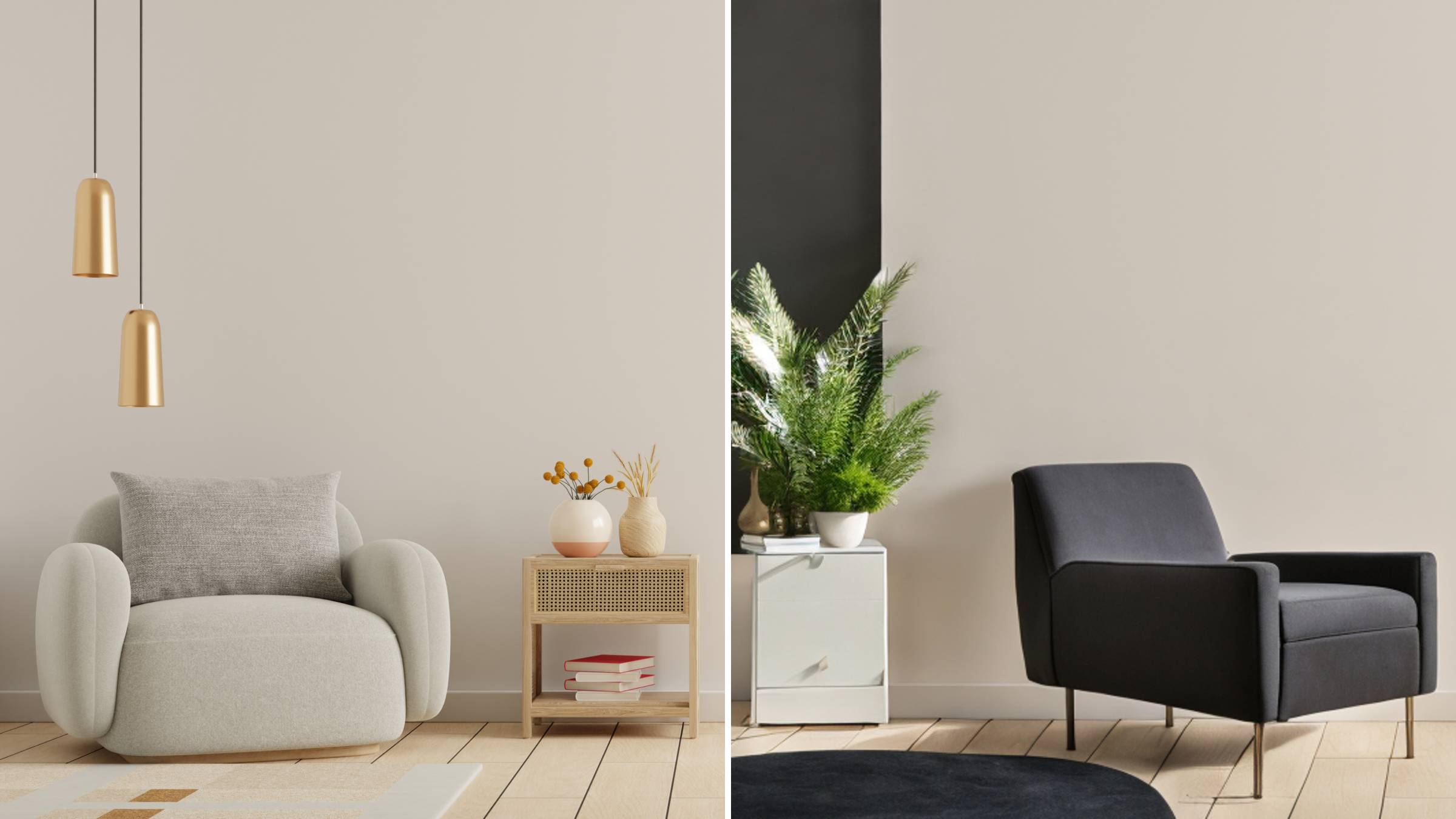
AI Room Designer
Design your dream room with AI-powered 3D rendering

Skin Enhancer
Enhance skin texture naturally with AI
Face Editor
Enhance face texture naturally with AI

What Makes Chat to Image Free Different
Every reply you send moves the picture closer to what you had in mind.
- Describe and GenerateType what you imagine in everyday words and the tool paints it instantly.
- Polish by ReplyingSend follow-up notes to shift mood, color or framing until it feels right.
- Keep Characters On-ModelHold the same art style or character across scenes, and build diagrams or mockups.
How Chat to Image Free Works in Three Steps
From one sentence to a share-ready picture in well under a minute.
Chat to Image Free: Common Questions Answered
Straight answers on cost, credits, uploads and editing limits before you start.
Is Chat to Image Free really free to use?
Yes. Free models and daily image allowances are included, while larger batches and premium models draw on credits or a paid plan.
What can I change when editing with Chat to Image?
Almost anything: swap colors, relight the scene, replace the background, restyle the subject or adjust text — all through chat.
Can I upload my own pictures to edit or use as a reference?
Absolutely. Upload a photo to rework it, or drop in a reference so the output matches its palette and style.
How many reference images can I add at once?
Up to five per message, which gives more context for style matching, character consistency and combined edits.
How are credits calculated for each image?
Cost scales with the model you pick, the number of outputs and the resolution — 1K is cheapest, 4K uses more.
Will unused credits carry over to next month?
No. Your balance refreshes at the start of each billing cycle, so spend credits before the period ends.
Turn Your Next Idea Into Art With Chat to Image Free
Type a sentence, reply to refine, and download the result — no card needed to begin.