
DiffusionBee AI Image Generator
Run Stable Diffusion offline: the DiffusionBee AI Image Generator handles text-to-image, inpainting, outpainting and ControlNet in one free Mac app.
AI Tools
Explore AI tools

Free AI Image
Truly Free AI Image Generator

AI Image Editor
AI Photo Editor Online
Gpt Gif Generator

Image Upscaler
Enhance image resolution effortlessly

AI Color Changer
Transform photo colors in seconds
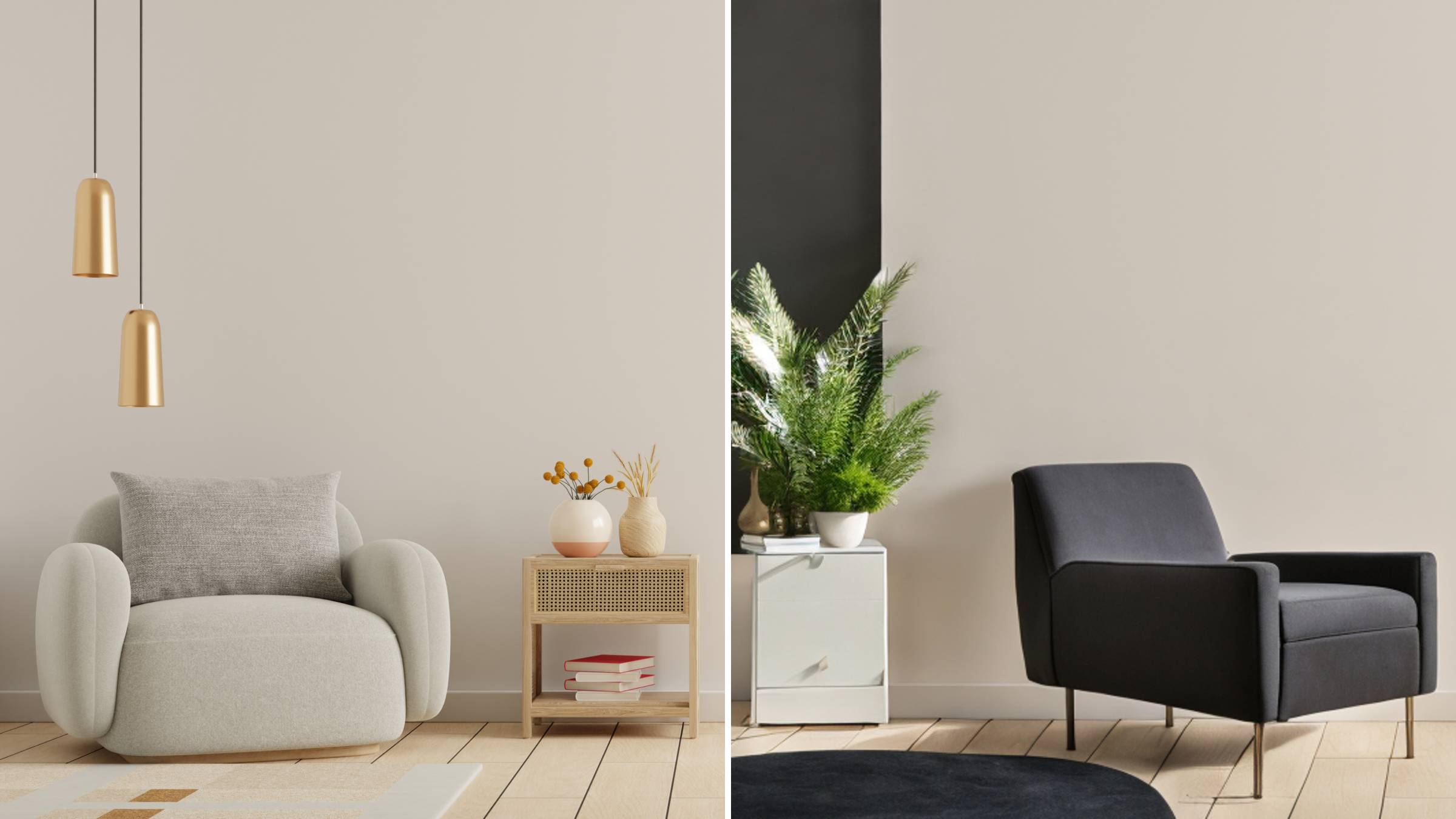
AI Room Designer
Design your dream room with AI-powered 3D rendering

Skin Enhancer
Enhance skin texture naturally with AI
Face Editor
Enhance face texture naturally with AI

What Makes the DiffusionBee AI Image Generator Stand Out
Install once and get a private Stable Diffusion workspace on Apple Silicon: offline rendering, precise inpainting, canvas expansion and ControlNet guidance.
- Runs Entirely Offline on Apple SiliconThe Mac desktop app loads Stable Diffusion checkpoints straight onto M1 and M2 hardware, so nothing is uploaded and no account ever needs to be created.
- Precise Inpainting and OutpaintingBrush over a garment or object and the surrounding context blends in naturally, or push the canvas outward in any direction to build a seamless wide scene.
- ControlNet Layout GuidanceEdge maps, depth maps and pose skeletons hold the model to your composition — the key to repeatable characters and believable anatomy.
How the Local Render Pipeline Works
Follow the path from installing the Mac app all the way to exporting a finished, structure-guided render.
DiffusionBee AI Image Generator: Common Questions
Straight answers on Mac hardware requirements, data privacy, character consistency and output resolution limits.
Which Mac hardware does DiffusionBee require?
Local rendering is heavy work and needs generous RAM plus a capable GPU. The app is tuned for Apple Silicon, so M1 and M2 machines deliver the smoothest experience.
Can I use DiffusionBee on Windows or a phone?
No — it is a Mac-only desktop application. Browser-based generators, by contrast, run on Windows, Mac and mobile and never heat up your device.
Do my prompts and images stay private?
They do. Because the Stable Diffusion models run on your own machine, prompts and finished artwork stay on the device instead of being sent to a remote server.
How do I keep one character consistent across images?
Combine ControlNet pose skeletons with edge or depth maps to lock layout and anatomy, so the same character features carry over between generations.
Is there a cap on output resolution?
Your GPU memory sets the ceiling, so extremely large canvases can strain the machine. Upscaling an approved render is the usual route to sharper, bigger output.
Who gets the most out of DiffusionBee?
Artists, designers and AI art enthusiasts — especially Apple Silicon Mac owners — working on creative projects, style experiments and custom product artwork.
No Install Needed — Render in Your Browser
Skip the GPU shopping and the local setup: create and upscale images online with free credits, then choose a pricing plan that matches your output.