
Photo To Sketch
Turn any photo into a beautiful pencil, charcoal, ink, or watercolor sketch in seconds. AI Photo to Sketch delivers sharp, high-quality results effortlessly.
Feedback

freeTrialImage.bannerPity
freeTrialImage.upgradeUnlock
- ✓freeTrialImage.benefitHd
- ✓freeTrialImage.benefitWatermark
- ✓freeTrialImage.benefitUnlimited
AI Tools
Explore AI tools
MiniMax H3
MiniMax H3 AI Video Generator
Seedance 2.5
The Future of AI Video Is Here.

Seedance 2.0
The Future of AI Video Is Here.

Veo3.1
Create Stunning Videos with Veo3.1
FLUX 3 Video Generator

Kling 3.0
Next-Gen AI Video Generator
Grok Video Generator
Create Videos from Text or Images with AI
MiniMax H3 video generator
MiniMax H3 AI Video Generator
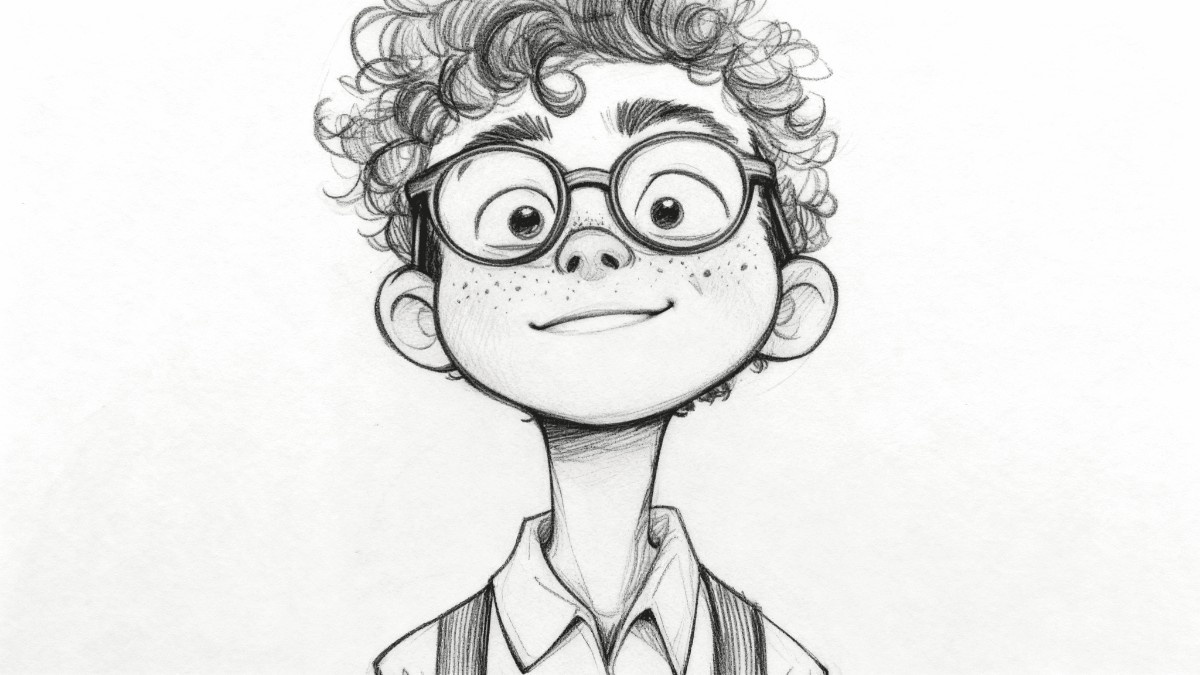
Everything You Need to Know About AI Photo to Sketch
With AI Photo to Sketch, you can convert any image into a hand-drawn look using pencil, charcoal, ink, or watercolor effects—perfect for creative projects, promotions, and personalized presents.
- Variety of Artistic StylesIncludes pencil, charcoal, ink, and watercolor.
- Lightning FastTurns your photo into a sketch within moments.
- High-Quality OutputCrisp, detailed images ready for printing.
Using AI Photo to Sketch: A Simple Walkthrough
Just three easy steps—upload your picture, choose a sketch style, and hit convert. Then save or share your new artwork.
Best Features of AI Photo to Sketch
A wide range of sketch styles, batch conversion support, and crisp high-resolution results that preserve intricate details for both print and online use.
Pencil Effect
Classic graphite drawing style.
Charcoal Look
Dramatic, dark charcoal styling.
Ink Lining
Sharp, clean ink outlines.
Watercolor Wash
Delicate, artistic watercolor tones.
Batch Mode
Process multiple images in a single run.
Fine Detail
Retains the subtle nuances of your original photo.
Common Questions About AI Photo to Sketch
Find quick answers about available effects, speed, batch usage, and image quality when using AI Photo to Sketch.
What does AI Photo to Sketch do?
It's a quick web-based AI tool that turns your images into sketches with many artistic styles to choose from.
What sketch styles can I pick from?
You can choose from pencil, charcoal, ink, watercolor, and additional artistic looks.
Is batch photo processing supported?
Absolutely—you can convert multiple photos at once.
Will my sketch output be high resolution?
Yes—your sketch keeps fine detail and is suitable for printing or screen use.
Do I have to pay to use it?
You can run basic conversions for free without needing an account.
How quickly will my sketch be ready?
Most images are converted to sketches in just a few seconds.
Create Stunning Sketches Using AI Photo to Sketch
Convert your pictures into artistic sketches within seconds. Experiment with a variety of styles and download sharp, high-res images at no cost.