
AI Prompt Generator
Turn a few words into a complete prompt — subject, lighting, camera and style included. This free AI Prompt Generator gets your idea ready to run.
AI Tools
Explore AI tools

Free AI Image
Truly Free AI Image Generator

AI Image Editor
AI Photo Editor Online
Gpt Gif Generator

Image Upscaler
Enhance image resolution effortlessly

AI Color Changer
Transform photo colors in seconds
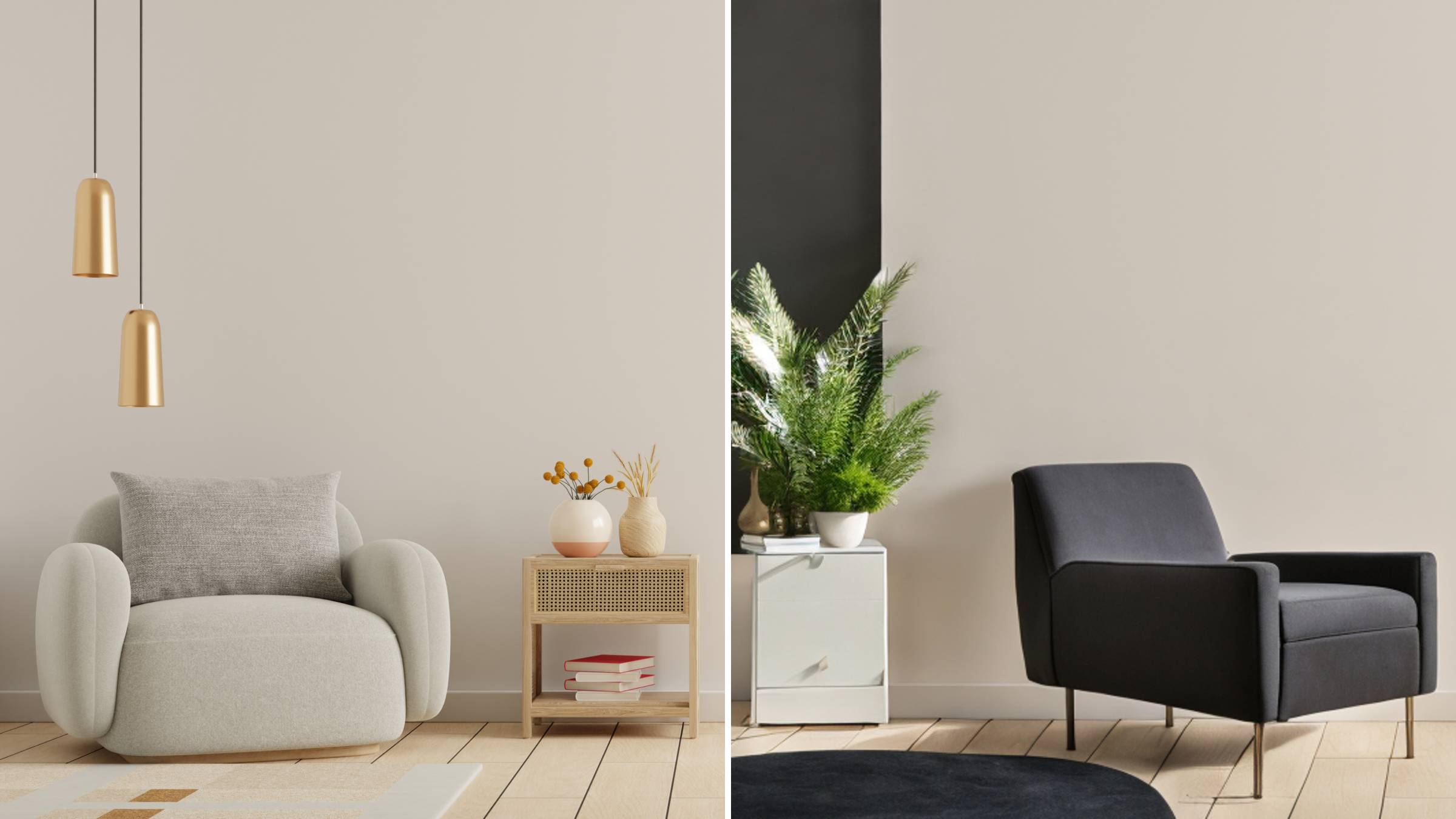
AI Room Designer
Design your dream room with AI-powered 3D rendering

Skin Enhancer
Enhance skin texture naturally with AI
Face Editor
Enhance face texture naturally with AI

What the AI Prompt Generator Does for You
Turn a rough one-liner into a polished, production-ready prompt for image, video and audio models — all inside a single workspace.
- From a Single Line to a Complete PromptTell it the subject, the model and the goal; style, camera, lighting and aspect ratio arrive already filled in.
- Written for the Model You Actually RunWhether you need image, video or audio output, every prompt is tailored to the engine you have chosen.
- Reference Inputs, Character Locks and Shot BoardsAttach references, lock a Soul Cast character and plan shot by shot so identity stays steady across the set.
How the AI Prompt Generator Works
Go from a rough thought to a paste-ready prompt in three quick steps.
AI Prompt Generator: Frequently Asked Questions
Straight answers on drafting image, video and audio prompts with AI.
What kinds of prompts can the AI Prompt Generator write?
From one idea it drafts image, video, audio, character and storyboard prompts.
Which models and formats does it support?
It covers Nano Banana 2, GPT Image 2.0, Soul 2.0, Seedance 2.0, Kling 3.0, Veo 3.1 and ElevenLabs, each with its own ratios and durations.
Is style, camera, lighting and aspect ratio under my control?
Absolutely — style, camera, lighting, mood and ratio are handled together, and you can still adjust length and detail.
How can I keep a character consistent across shots?
Soul Cast character locks plus @Reference inputs in Seedance and Wan workflows keep the same face from shot to shot.
Does it write negative prompts and rewrites too?
Yes — it generates negative prompts that remove unwanted elements and rewrites existing prompts so you can compare versions.
Do I need prompt-writing experience to use it?
Not at all. The tool drafts and structures everything for you, and the text pastes directly into any Higgsfield model.
Type an Idea, Receive a Complete Prompt
It costs nothing to draft with the AI Prompt Generator — copy the result into any Higgsfield image, video or audio model, joining 25 million creators already building here.