
Craiyon AI Image Generator
Try the Craiyon AI Image Generator for free cartoon sketches, no signup needed. See why blurry output pushes creators to Pollo AI for crisp results.
AI Tools
Explore AI tools

Free AI Image
Truly Free AI Image Generator

AI Image Editor
AI Photo Editor Online
Gpt Gif Generator

Image Upscaler
Enhance image resolution effortlessly

AI Color Changer
Transform photo colors in seconds
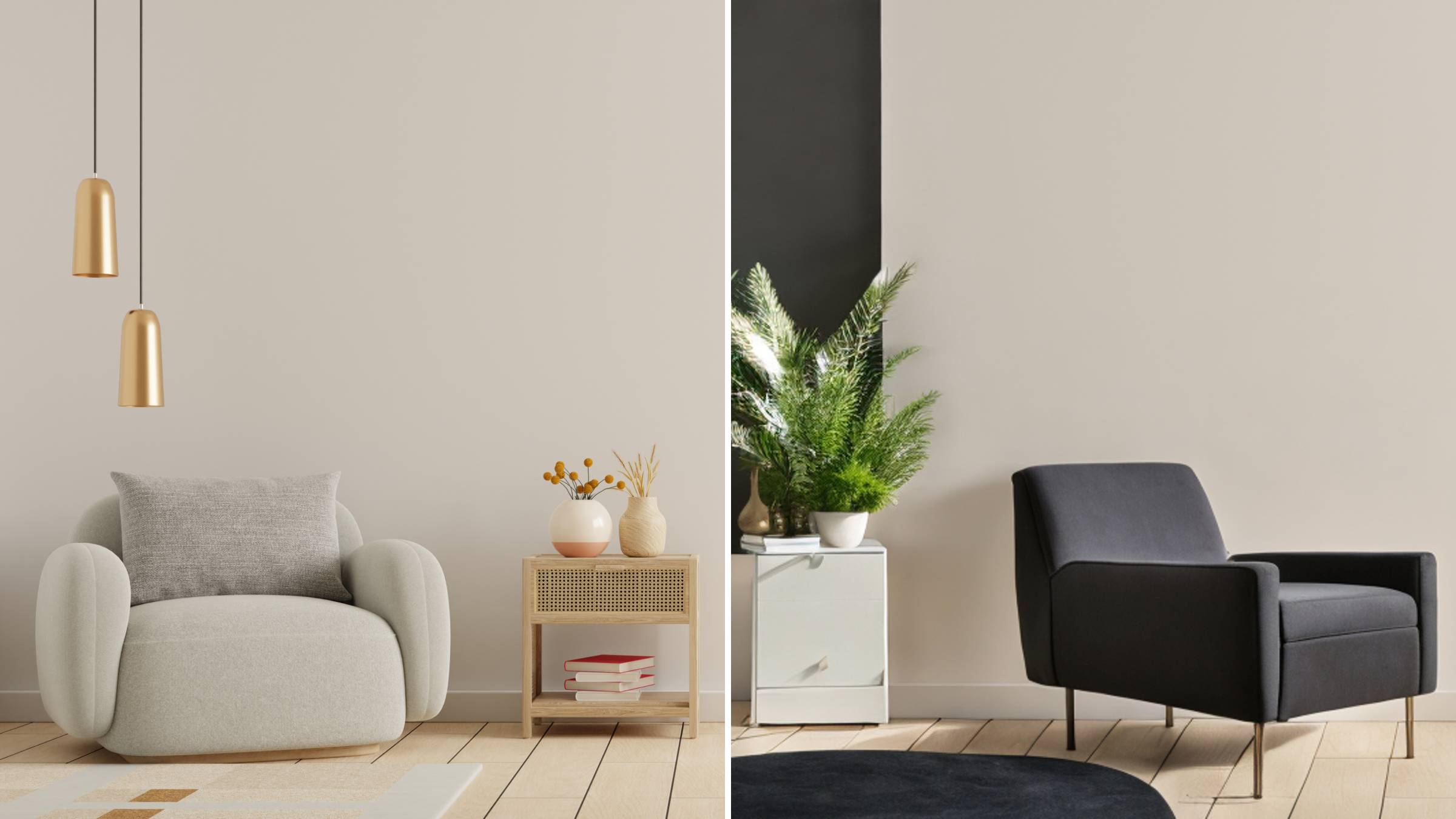
AI Room Designer
Design your dream room with AI-powered 3D rendering

Skin Enhancer
Enhance skin texture naturally with AI
Face Editor
Enhance face texture naturally with AI

What the Craiyon AI Image Generator Actually Offers
Inside the Craiyon AI Image Generator: batch variation grids, wide style coverage and exclusion controls that give you more say over every render.
- Batch Grid of Nine VariationsA single prompt yields up to nine takes that vary in detail, setting, color and layout, letting you pick a direction rather than rerolling from scratch.
- Styles Spanning Cartoon to CyberpunkTry cartoon, fantasy, illustration, anime, sci-fi, abstract, photorealistic or cyberpunk treatments to explore several angles on one concept.
- Exclusion Controls via Negative PromptsList the subjects, colors, moods, angles, lighting or layout elements to exclude, giving playful renders more precision.
Turning Craiyon AI Image Generator Output Into Usable Art
Three practical moves that turn a vague idea into an image worth keeping.
Craiyon AI Image Generator: Common Questions Answered
Straight answers about the Craiyon AI Image Generator — free access, batch sizes, style options and quality limits.
Can I use Craiyon AI free without signing up?
Users like the no-account, no-watermark access, but the older model still caps resolution and prompt accuracy.
How many images does one prompt produce?
Each run can return up to nine results. If none fits, refine the wording and run again until something usable comes back.
What visual styles does Craiyon AI support?
Its main directions include cartoon, fantasy, illustration, anime, sci-fi, abstract, photorealistic and cyberpunk.
Why do Craiyon images come out blurry or off-brief?
The Craiyon AI Image Generator's legacy engine produces low-resolution, inconsistent output that often misses the prompt — matching its 3.5-star Trustpilot score.
Can I remove or retouch a generated background?
Yes. Removal yields black, white or transparent backdrops, while text-instruction retouching tweaks subjects, styles and individual elements.
Which alternative delivers commercial-grade visuals?
Pollo AI. Its model lineup (GPT Image 2, Nano Banana 2, Seedream 5.0 Lite) with upscaling and inpainting produces commercial-ready images.
Swap Blurry Drafts for High-Fidelity Visuals
The Craiyon AI Image Generator's low-res sketches suit quick ideas; Pollo AI's multi-model suite yields sharp, commercial-ready images. Start free today.