
Motion Blur AI Photo Editing Prompt
Grab a ready-made Motion Blur AI Photo Editing Prompt, upload a portrait, and render cinematic light-streak and long-exposure blur shots in seconds.
AI Tools
Explore AI tools

Free AI Image
Truly Free AI Image Generator

AI Image Editor
AI Photo Editor Online
Gpt Gif Generator

Image Upscaler
Enhance image resolution effortlessly

AI Color Changer
Transform photo colors in seconds
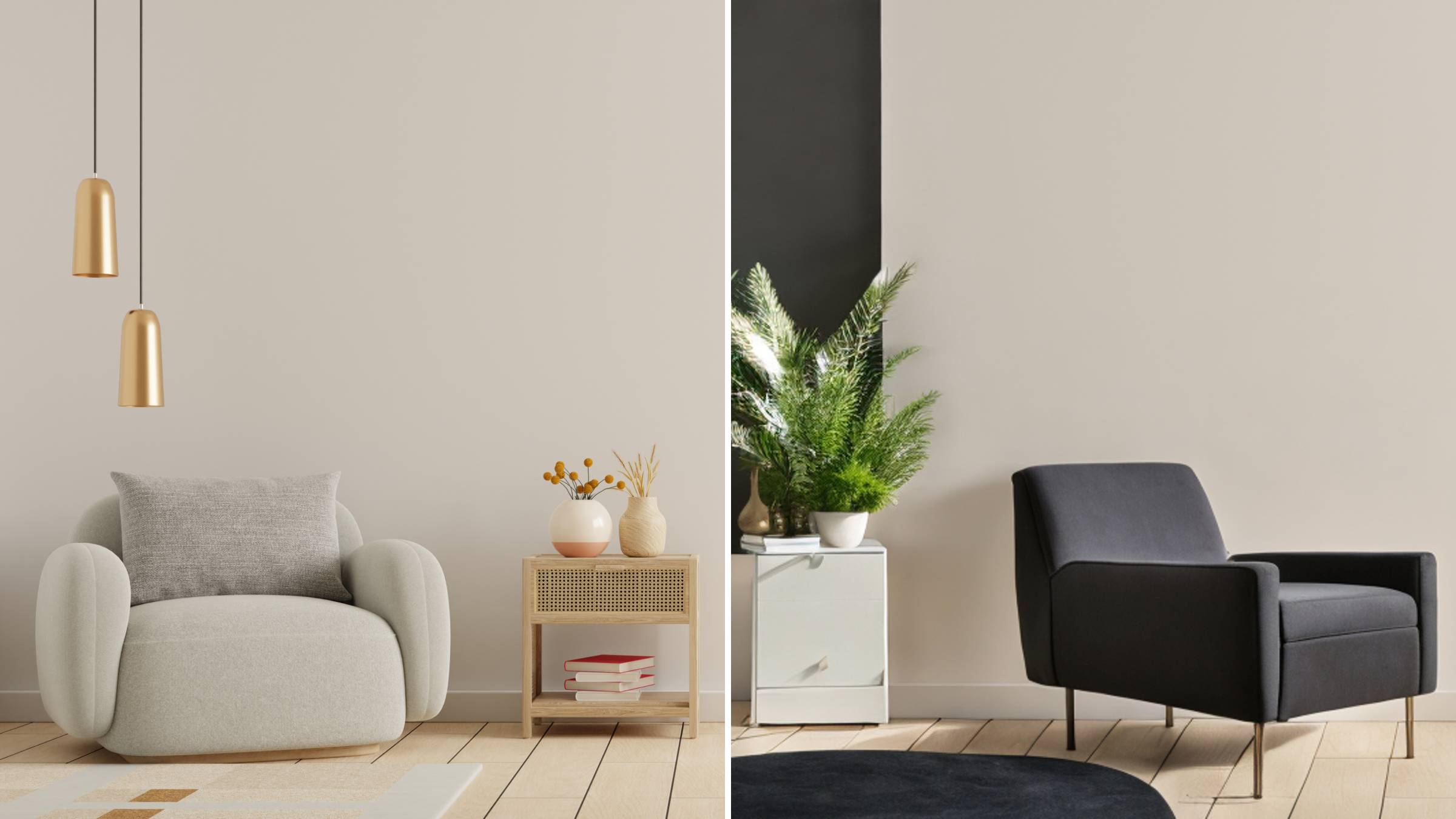
AI Room Designer
Design your dream room with AI-powered 3D rendering

Skin Enhancer
Enhance skin texture naturally with AI
Face Editor
Enhance face texture naturally with AI

Why Use a Motion Blur AI Photo Editing Prompt for Cinematic Portraits
A well-crafted cinematic blur prompt transforms an ordinary portrait into a dramatic, long-exposure frame.
- Instant Cinematic Blur, No Editing Skills NeededSkip complex software and convert static portraits into motion-filled cinematic frames with a single prompt.
- Direct the Light, Depth, and MoodShape camera style, light sources, focal depth, reflections, and atmosphere so the blur matches your creative vision.
- Fine-Tune Motion Paths and Blur IntensityAdjust movement direction, blur strength, neon glow, and overall mood for a realistic long-exposure effect.
How to Use a Cinematic Motion Blur Prompt in Three Steps
Follow three simple steps to turn a static portrait into a cinematic motion-blur image.
Cinematic Motion Blur Prompt FAQ
Find clear answers about cinematic blur prompts, compatible tools, and ways to refine your results.
Which AI image tools can use this motion blur prompt?
You can paste the prompt into most text-to-image or image-to-image tools. Adjust the subject, location, or aspect ratio to fit the platform you choose.
What type of photo works best for aesthetic motion blur?
Selfies, fashion portraits, street scenes, subway shots, neon-lit nights, and dance photos work well. A clearly visible subject helps keep the face sharp.
Are these motion blur prompts free to copy and edit?
Yes. You can copy the prompt at no cost and change the outfit, location, lens, lighting, or blur direction to match your image.
How do I create a cinematic motion blur photo with AI?
Upload a portrait, paste the prompt into an image-to-image workflow, and generate. Mention a sharp subject and long exposure to make the blur look realistic.
How can I control cinematic lighting and depth of field in the prompt?
Describe the camera style, light source, focal depth, reflections, and story moment in your prompt so the final render matches your intended mood.
How can I customize crowd movement, neon glow, rain, and blur intensity?
Specify how quickly the crowd moves, where neon light spills, how wet the pavement appears, and how strong the blur should be.
Use a Motion Blur AI Photo Editing Prompt to Create a Cinematic Portrait
Upload your portrait, apply a cinematic blur prompt, and generate a dramatic long-exposure blur image in seconds.